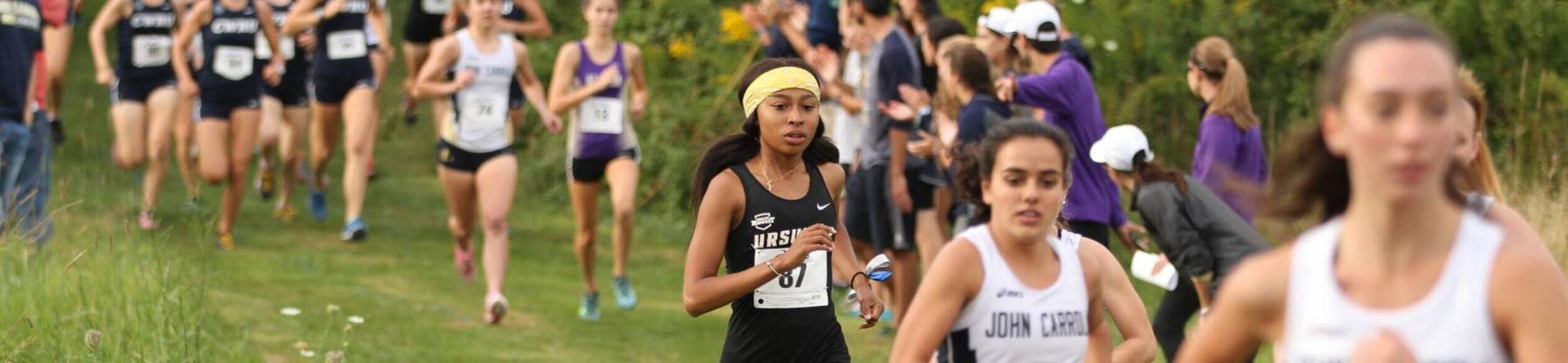
At Ursuline, student-athletes competing at the NCAA Division II level have the opportunity to reach their full academic and athletic potential in an atmosphere that supports a healthy balance between the two.
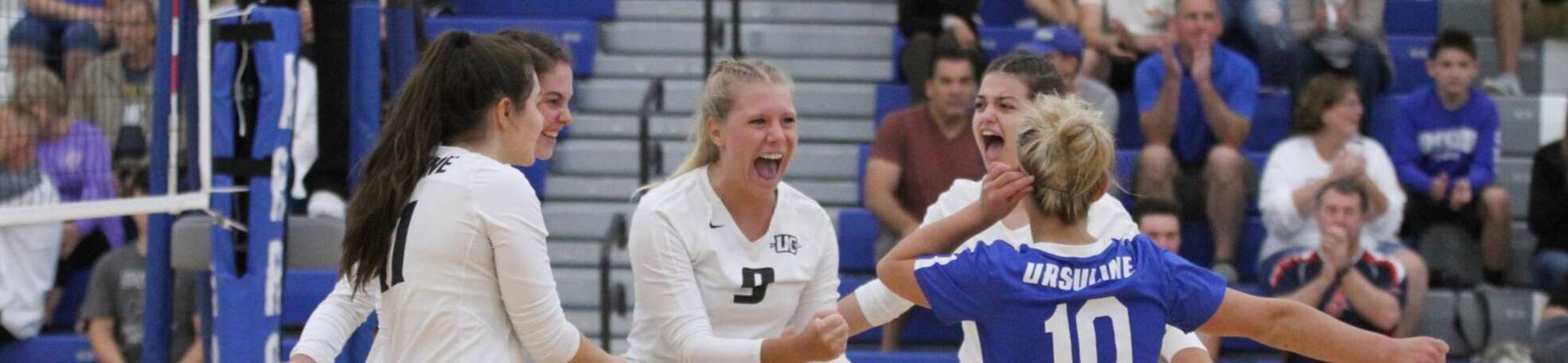
The College’s athletic program instills in our student-athletes an understanding of character and integrity, with an expectation to model those values and traits both on and off the field.
Since 2000, the athletic department has played an important role in building school spirit and pride on Ursuline's campus. The Ursuline Arrows joined the Great Midwest Athletic Conference, which is comprised of institutions in Ohio, Kentucky, Tennessee, and West Virginia, during the 2013-14 academic year and currently competes in 11 NCAA Division II sports.
Ursuline's student-athletes reach success both in competition and in the classroom. A school-record 88 student-athletes made the Great Midwest Academic All-Conference team for 2019-2020 with GPAs of 3.3 or higher!
View UC's Athletic Return to Sport plan here.
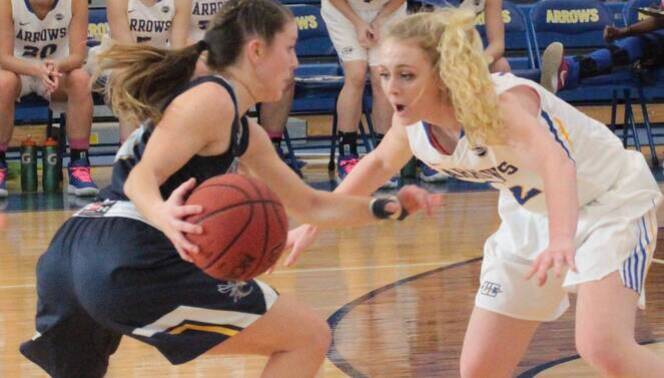

Basketball team with conference trophy.

A soccer player kicking.
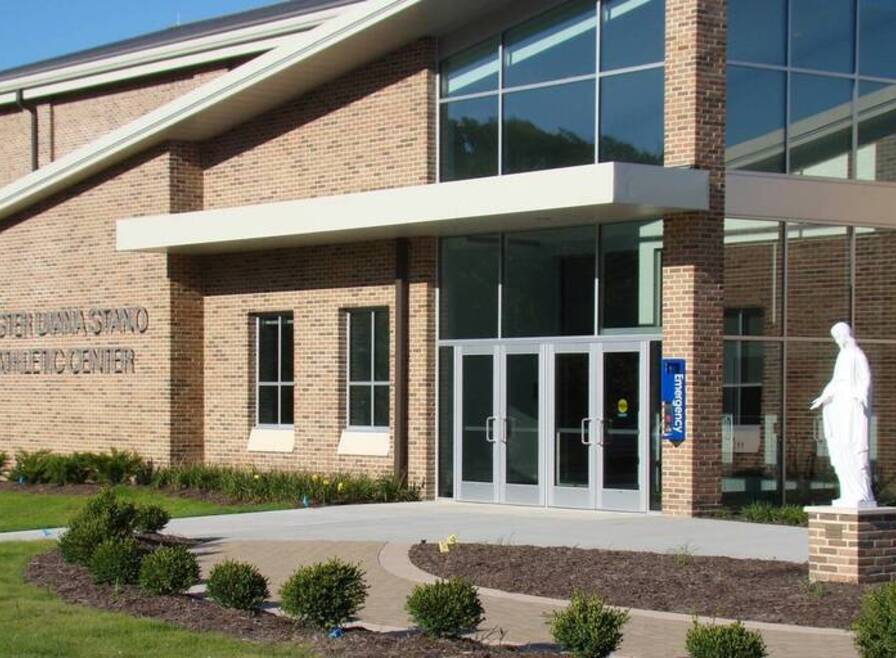
The Sister Diana Stano Athletic Center was opened in 2015 and remains one of the newest athletic facilities in the region. It features a 1,000-seat gymnasium, as well as a fitness center, training room, team locker rooms, and the athletic department's offices.